Cardano Example Dapp
Simple Export
Exports the wallet name, the current address, the spending and staking public keys and three data constants under a single export named 'wallet'. Shows how exportAs returns the results of a script to the dapp
Try it online:
- Visit HTML+JS Dapp
- Visit HTML+React Dapp
- Visit Native HTML dapp
- Run Run in Wallet…Open in IDE…
Source code:
- dapp connection code: GCScript DSL
- frontend (using @gamechanger-finance/gc): HTML+JS dapp
- frontend (using @gamechanger-finance/gc): HTML+React dapp
- frontend (without official library): Native HTML dapp
Dapp code was autogenerated by Playground IDE in GameChanger Wallet
GCScript code (dapp connection):
{
  "type": "script",
  "title": "Simple Export",
  "description": "Exports the wallet name, the current address, the spending and staking public keys and three data constants under a single export named 'wallet'. Shows how exportAs returns the results of a script to the dapp",
  "exportAs": "wallet",
  "returnURLPattern": "http://localhost:3000/demo/api/dapp",
  "run": {
    "name": {
      "type": "getName"
    },
    "address": {
      "type": "getCurrentAddress"
    },
    "spendPubKey": {
      "type": "getSpendingPublicKey"
    },
    "stakePubKey": {
      "type": "getStakingPublicKey"
    },
    "extra1": {
      "type": "data",
      "value": "data of 0"
    },
    "extra2": {
      "type": "data",
      "value": "data of 1"
    },
    "extra3": {
      "type": "data",
      "value": "data of 2"
    }
  }
}
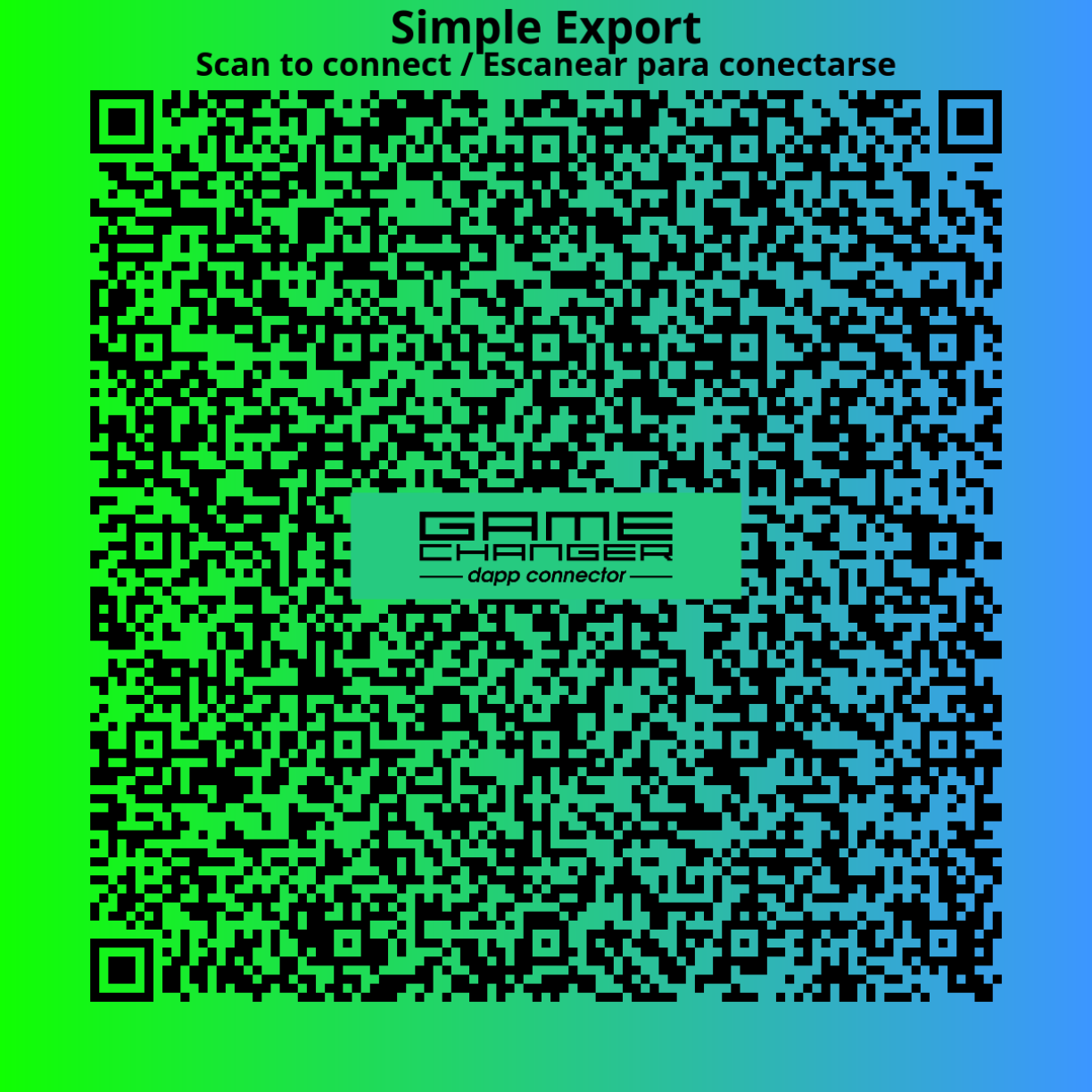
Run standalone QR dapp connection:
You can use Playground IDE in GameChanger Wallet in QR URL Transport mode to capture results
Resources
- How to connect?
- Docs and examples on Github
- GCScript documentation
- Playground IDE in GameChanger Wallet
- Tutorials on Youtube
- Support on Discord
- News on Twitter
- Website
License
MIT